
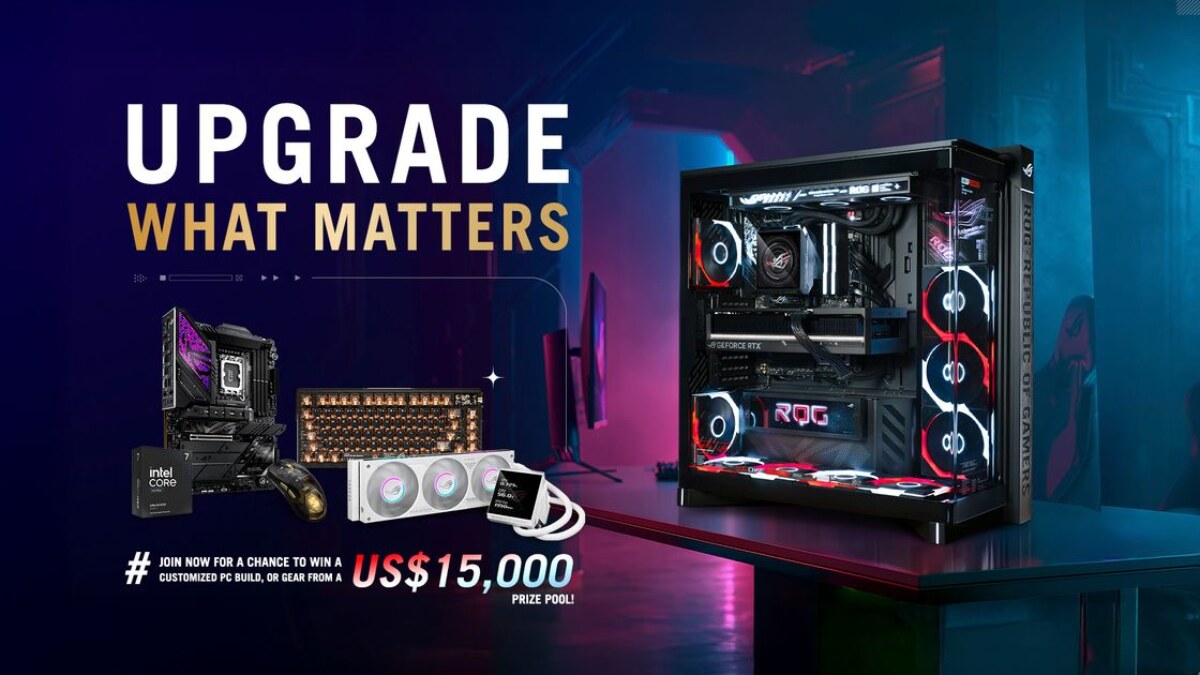
Learn strategies to navigate memory shortages, optimize motherboards, and choose the right GPU VRAM.
Key specifications and details
Watch for combo deals. One way that e-tail sites keep the price of building a PC reasonable is to sell memory as part of a combo deal. The availability of these deals varies day-to-day, and there is no guarantee how long supply will last. But as of now, there are still plenty of combo deals over at Newegg that offer substantial savings if users are buying memory as part of a larger bundle that might include a CPU and a motherboard.
The memory support provided by a motherboard also matters more than ever. Not all models are equally equipped to handle the unexpected. A rich set of optimization tools and hardware-level enhancements help give users options for tackling system instability or elevating memory performance above the rock-bottom defaults.
ASUS motherboards do more than most to carry a system through the memory crisis. For years, ASUS has invested time and effort in helping users get the most out of their DDR5 memory kits, recognizing that the high-end bandwidth, hardware-level complexity, and thermal sensitivity of the new standard can make tuning DDR5 a challenge. Whether users want to run a non-ideal memory configuration above and beyond the default JEDEC speeds or find the sub-timings that will turn an unstable system into a rock-solid performer, they can find the help they need with a modern ASUS motherboard.
With a plan in place for how to handle the memory question, users can now make some decisions about the rest of their plan to upgrade or build a desktop PC. Many of those choices center on the question of which platform to pick: Intel vs. AMD.
The most affordable approach to an Intel build in 2026 is to go with a previous generation. Such a platform may not provide the latest amenities, but it is an affordable pathway to playing online games with friends while providing the versatile functionality of a desktop PC.
The middle road here is to opt for a motherboard with the B860 chipset and a modern mainstream CPU like the Intel Core Ultra 250K Plus. Selecting an Intel B-series motherboard takes CPU overclocking off the table, but that should not deter users from picking one of these boards. Many gamers find that they do just fine with the out-of-the-box performance they get out of their Intel CPU. This route also ensures that users get the latest ASUS motherboard features for getting their DDR5 memory kit up to speed.
For AMD, X870E and X870 motherboards await enthusiasts looking for a fully-loaded platform. Here, users have access to the finest AMD motherboards available, with more than enough connectivity, overclocking support, and premium features to satisfy the most ambitious PC builders. Recent AMD processors equipped with AMD 3D V-Cache technology, like the popular AMD Ryzen 7 9800X3D and the chart-topping AMD Ryzen 9 9950X3D, have made waves among gamers in particular.
Budget-minded builders still look to the AMD B550 motherboard platform to help them assemble a PC for less. The AM4 socket on these motherboards does not support the latest and greatest CPUs, but AMD has continued to support the platform with fresh (and refreshed) CPU launches, so users still have plenty of options. For people building during the current memory shortage, the DDR4 memory support is a bonus. If there is a weakness with going this route, it is that the motherboard options are fairly limited at this point. If users would like to have a bit more choice when it comes to features and aesthetics, they might prefer a B850 motherboard and an AMD Ryzen 9000 Series CPU.
Official source: ASUS Pressroom
Follow GamingBroject on Google: add us as a preferred source


Community
0 comments