
Nintendo Switch Online is easy to misunderstand because its best known feature, online multiplayer, is only part of the service. This Switch Online guide focuses on what a membership actually changes on your Nintendo Switch, which plan fits different households, and where the limits can catch you out.
For most players, the decision comes down to the games you play. If you only play local single player releases, a membership may not add much. If you regularly play Mario Kart 8 Deluxe, Splatoon 3, Animal Crossing: New Horizons, Nintendo Switch Sports, or another compatible game with online modes, it can become a regular part of owning the console.
What Nintendo Switch Online is for
A Nintendo Switch Online membership gives a Nintendo Account access to online play in compatible games. It also includes a catalog of classic games, cloud backup support for many save files, and access to the Nintendo Switch Online smartphone app for supported games.
Online play is not universal. A game needs to support online multiplayer, and some free to play games can be played online without a Nintendo Switch Online membership. Nintendo identifies these exceptions on individual game store pages. Before subscribing for one specific game, check that game’s Nintendo eShop listing rather than assuming every internet connected feature needs the service.
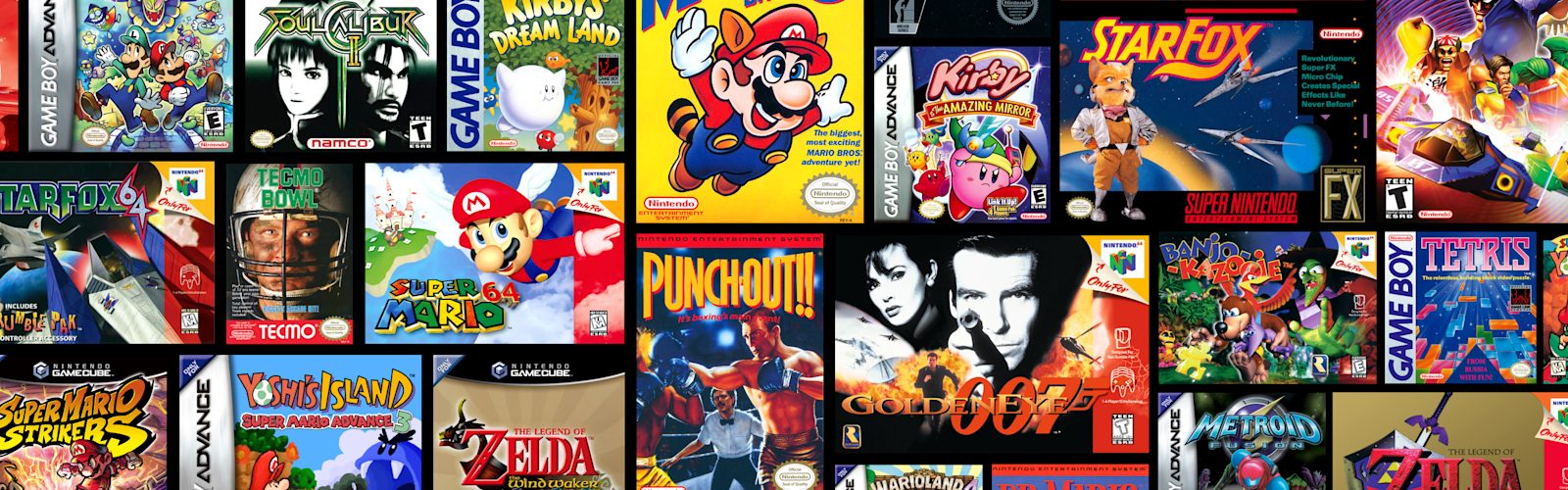
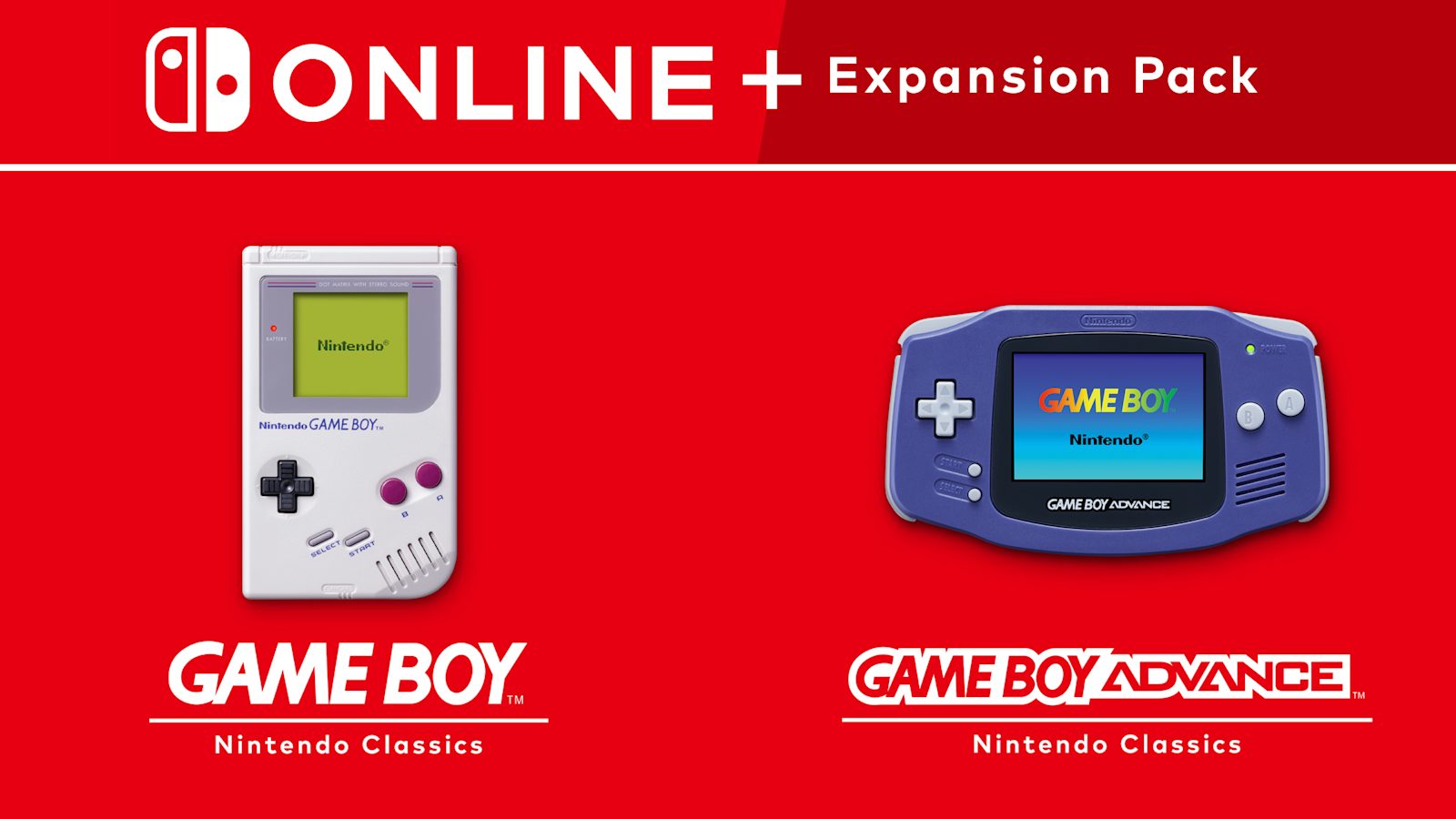
The basic membership includes Nintendo Entertainment System, Super Nintendo Entertainment System, and Game Boy collections. These apps are separate downloads from the Nintendo eShop. They are not permanent purchases. You can play them while your membership is active, but access ends if your subscription expires.
That distinction matters more than it sounds. A Nintendo Switch Online library is a membership benefit, not a replacement for buying a classic game collection you want to keep available indefinitely.
Switch Online guide to plans and prices
Nintendo offers Individual and Family memberships, plus versions that include the Expansion Pack. The Individual membership is tied to one Nintendo Account. A Family membership can include up to eight Nintendo Accounts in one family group, including accounts in different households.
Nintendo lists Individual memberships at 3.99 US dollars for one month, 7.99 US dollars for three months, and 19.99 US dollars for 12 months. The Family membership is available as a 12 month plan for 34.99 US dollars.
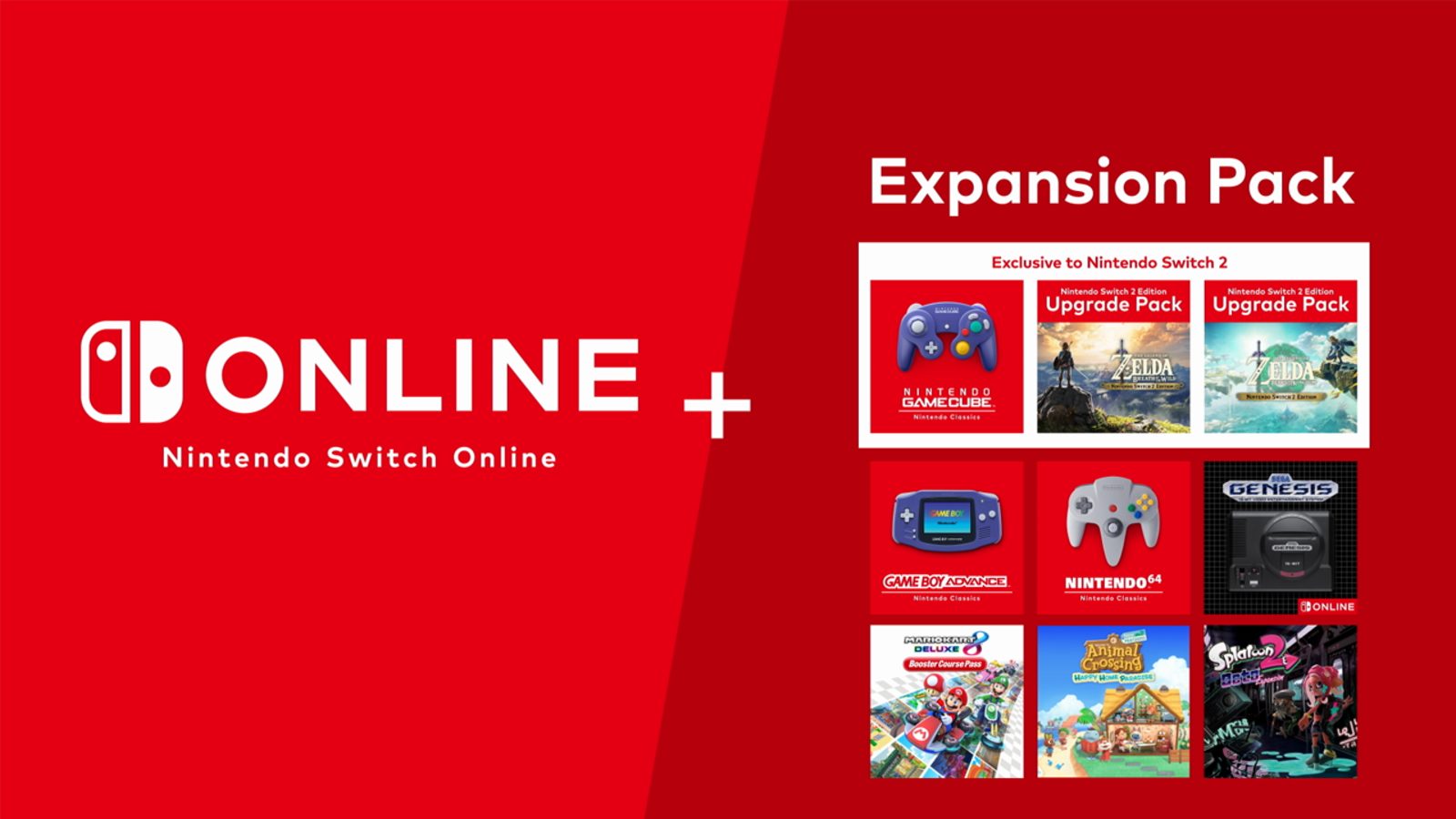
The Expansion Pack is sold as a 12 month membership. Nintendo lists the Individual Expansion Pack at 49.99 US dollars and the Family Expansion Pack at 79.99 US dollars. It includes everything in the basic service, then adds Nintendo 64, Game Boy Advance, and Sega Genesis game libraries. Availability of individual games can vary by region.
The Expansion Pack also includes access to select downloadable content while the membership remains active. Nintendo includes Animal Crossing: New Horizons Happy Home Paradise, Mario Kart 8 Deluxe Booster Course Pass, and Splatoon 2 Octo Expansion. This is useful if you actively play those games, but there is an obvious tradeoff. Let the membership end, and the included content is no longer playable unless you buy that content separately.
A Family membership is not automatically the better deal. Two players who each want the basic service can save compared with two separate annual Individual memberships. But a Family group also means one organizer manages the group and its renewal. Only join a group with people you trust, especially when the organizer is someone outside your home.
Choose based on the games you actually play
The basic plan makes sense for players who want online matches and occasional classic games. It is also the more sensible choice if cloud saves are your main concern. Paying for the Expansion Pack only makes sense when you know you will use its classic libraries or included downloadable content.
For example, a player who races online in Mario Kart 8 Deluxe a few times each month but does not care about Nintendo 64 games probably does not need the Expansion Pack. A household with several Switch owners, Animal Crossing players, and fans of Nintendo 64 or Game Boy Advance games may get much more value from the Family Expansion Pack.
Do not subscribe only because a game has internet features. Some games offer useful online elements, such as leaderboards, ghost data, or limited item sharing, without making them central to the experience. Others are built around online play. Splatoon 3 is far harder to enjoy as intended without membership access, while a story focused single player game may not need it at all.
Cloud saves are useful, but they are not a full backup plan
Save Data Cloud is one of Nintendo Switch Online’s most practical features. For supported games, it backs up save data online and can restore it when you sign into the same Nintendo Account on another Nintendo Switch system.
There are important exceptions. Nintendo excludes some games from Save Data Cloud support, often to limit manipulation in games with trading, competitive systems, or economies. Animal Crossing: New Horizons uses its own island backup feature rather than the standard Save Data Cloud process. Pokémon games also commonly have restrictions, so players should never assume a favorite save is protected without checking the game’s support information.
Cloud saves also do not replace careful account management. Save files are generally tied to the user profile that created them. If several people share one console, each person should use their own profile and Nintendo Account where appropriate. That makes ownership clearer and helps prevent one player from overwriting another player’s progress.
If you are moving to a new Switch, use Nintendo’s official system transfer options when possible. Cloud saves are valuable insurance, but a proper transfer moves more of your user data and helps reduce surprises. Make sure both systems are charged, connected to the internet, and updated before starting.
Set up membership sharing without creating account problems
Nintendo allows a Family membership to cover up to eight Nintendo Accounts. Each player should join with their own account, not share one login across the family. Separate accounts keep save data, eShop activity, friend lists, and parental controls easier to manage.
The family group organizer can add accounts and manage membership status through Nintendo Account settings. Parents can also create supervised accounts for children. This is the better setup for a shared household because it avoids mixing a child’s purchases and progress into an adult account.
There is one limitation worth remembering: a Family membership shares Nintendo Switch Online access, not digital game ownership. If one account buys a digital game, another account’s ability to play it depends on Nintendo’s console and account rules. A subscription does not turn a single purchase into a household license.
The classic game apps have real limits
Nintendo’s classic game libraries are a strong extra for players who want short sessions, save states, and a convenient way to revisit older Nintendo releases. They are less convincing if you are expecting every major game from each system.
The catalogs are curated, and additions are controlled by Nintendo. Games can also differ between regions. Treat the available library as a bonus with specific games you want to play now, not as a promise that every favorite will appear later.
Controller support is another practical consideration. Many classic games play fine with standard Joy Con controllers or the Nintendo Switch Pro Controller. Nintendo also sells optional controllers inspired by older systems for certain library apps, but they are not required for most players. Buy one only if its layout matters to you, not because it is necessary for access.
Before you subscribe
Start by checking the online requirements for the game you play most. Then decide whether your household needs one account or up to eight. Finally, look at the actual Expansion Pack games and downloadable content you would use in the next few months.
Nintendo Switch Online is at its best when it solves a clear problem: playing with friends, protecting a supported save, or revisiting a classic game you genuinely want to play. Pick the plan around that need, and the service feels useful instead of becoming another annual charge you forget to question.
Follow GamingBroject on Google: add us as a preferred source


Community
0 comments