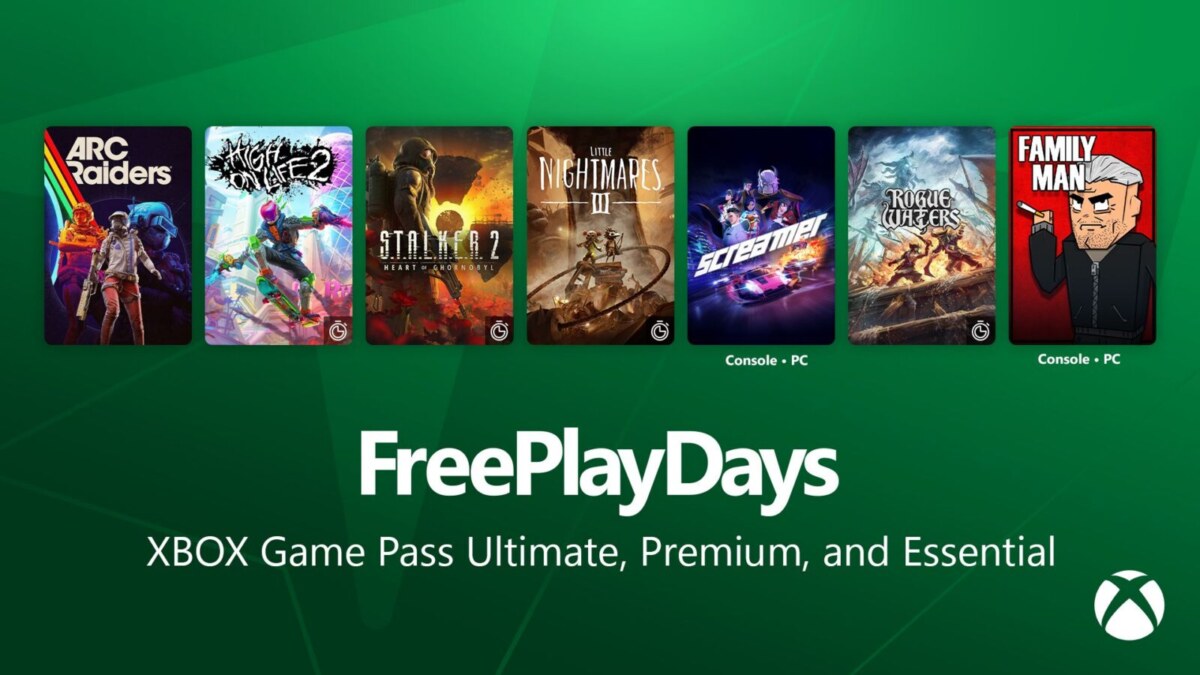
A PC game listed as free can mean several very different things. It may be yours to keep after a claim, free only for a weekend, included with a subscription you already pay for, or simply free to play with optional purchases. Legitimate free game offers are worth claiming when the terms are clear, the store is official, and the account requirements make sense. The trouble starts when a promotion uses vague language, pushes you away from a recognized platform, or promises a new release for nothing with no publisher confirmation.
For PC and console players, the safest starting point is simple: claim games through the platform holders, publishers, or recognized PC storefronts that will actually hold the license in your account. That approach is less exciting than chasing a surprise code on social media, but it protects your library, your payment details, and your time.
What a legitimate free offer actually gives you
The phrase “free game” is not a contract. Before claiming anything, look for the exact kind of access being offered. A permanent license lets you keep playing as long as the platform and your account remain available. A free trial gives access for a stated period or until you reach a limit. A free weekend ends when the event does. A subscription catalog game is playable only while your membership remains active and the title stays in that catalog.
Free to play games are a separate category. Their base download costs nothing, but they may sell cosmetic items, expansions, battle passes, virtual currency, or convenience items. That model is legitimate when the store page and game publisher explain it plainly. It is not the same as receiving a paid game at no cost.
The most useful wording to find is direct: “yours to keep,” “add to library,” “free trial,” or “available with membership.” If the post does not say which one applies, treat it as incomplete information rather than a deal you need to grab immediately.
Where legitimate free game offers usually appear
Official storefronts are the strongest signal because they show the game name, account destination, content rating, and final checkout terms in one place. On console, start from the PlayStation Store, Microsoft Store, or Nintendo eShop. On PC, use the store client or the store’s official web page, such as the Epic Games Store free games page. Publisher launchers and publisher news posts can also be useful when the publisher is distributing a game directly.
A publisher’s verified social account can point you to an offer, but it should not be the final stop. Open the profile carefully, then follow the promotion to the publisher site or official storefront. Account names can be copied, and a familiar logo is easy to imitate.
Email can be legitimate too, particularly if you opted in to messages from a platform or publisher. Still, do not use an email button as your first route. Open the official store or publisher site yourself, sign in there, and look for the same offer. If it is real, you should be able to find matching details without handing your login credentials to an unfamiliar page.
Check the offer before you claim it
A real promotion should survive a short fact check. Start with the game title and platform. Make sure the offer is for the game you expect, rather than a demo, a cosmetic pack, a cloud streaming trial, or a discount on a later purchase. This matters most when an ad uses artwork from a full game while the fine print covers only add on content.
Then read the checkout screen. A legitimate zero cost claim should show the final total before confirmation. If the page adds an unrelated subscription, asks for a payment method without explaining why, or shifts the deal into a recurring plan, stop and read every term. A free claim can be perfectly valid with a payment method requirement on some stores, but the requirement should be disclosed by the official store, not buried behind a third party form.
Also check regional availability. Some offers are limited by country, age rating, platform, or account region. Trying to work around those limits with a different account region can create account problems later. The better move is to use the region tied to your real account and wait for a promotion that officially applies to it.
Red flags that are not worth the risk
The usual scam is not sophisticated. It relies on urgency, a recognizable game logo, and the fear that someone else will get the deal first. A few warning signs are especially reliable:
- A site asks for your platform password, recovery code, or two factor authentication code outside the normal platform sign in screen.
- A post promises keys for a major paid game but does not identify the publisher, store, region, or offer end date.
- A download requires a browser extension, unknown launcher, survey completion, or executable file before you can receive the game.
- The deal requires you to send a payment, virtual currency, skins, or an existing game key to “verify” eligibility.
- The promotion says it is official but has no matching announcement on the publisher’s site or the store where the game would be claimed.
A key point: a code can look genuine and still be a problem. It may have been obtained through fraud, be restricted to another region, or be sold in violation of the store’s rules. If a key is later revoked, you may lose access without having a useful path to support. A direct account claim from an official store is cleaner and easier to document. Valve lists the most common tricks in its official Steam scam FAQ.
Keep your game account separate from the hype
Your game library is connected to more than a list of titles. It may include saved progress, friends, purchases, and payment information. Protect it accordingly. Use a unique password for each platform account and enable the platform’s available two factor authentication method. Do not approve an unexpected sign in prompt just because a site says it needs verification for a free game.
It also helps to claim offers from a device you trust. Public computers, unofficial launcher downloads, and browser popups create opportunities for mistakes. If a deal requires you to install something, confirm that the download comes from the official store or publisher. A game promotion should not need access to your browser history, social account, or files unrelated to the game.
After a claim, confirm that the title appears in your library and save the order receipt or confirmation email. This is not paranoia. Store listings can change, and a receipt gives you a clear record if you ever need to contact platform support about a missing entitlement.
A sensible way to follow free game promotions
You do not need to watch every account or chase every giveaway. Pick the platforms you actively use, follow their official news channels, and check your own store library before claiming duplicates. If you play mostly on console, a PC only code has little value no matter how attractive the game looks. If storage is limited, adding a permanent license without installing it can still be useful, provided the offer truly says it is yours to keep.
Be selective with free to play downloads as well. Look at the age rating, storage requirement, online play requirement, and whether the game needs a separate account. Those details tell you more about whether a game fits your setup than a loud “free” label ever will.
The best free offer is not necessarily the biggest game or the shortest deadline. It is the one with clear terms, an official claim path, and a place in the games you actually want to play.
Follow GamingBroject on Google: add us as a preferred source


Community
0 comments